Home » How It Works
An Ultimate Guide TO Save OST File As PST RIGHT NOW
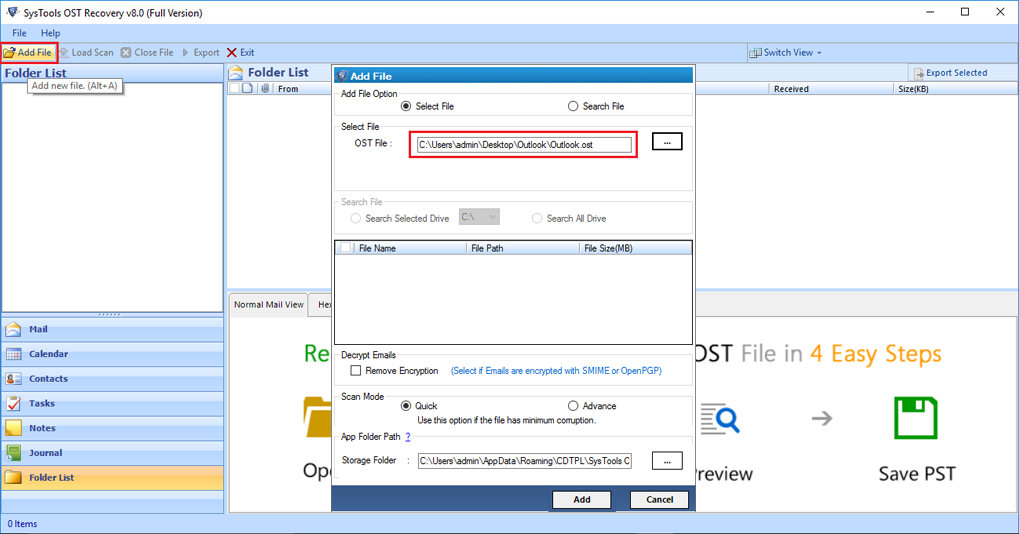
Install and Run OST Recovery Software and Select the Add File Tab and Choose the "Select File" Option
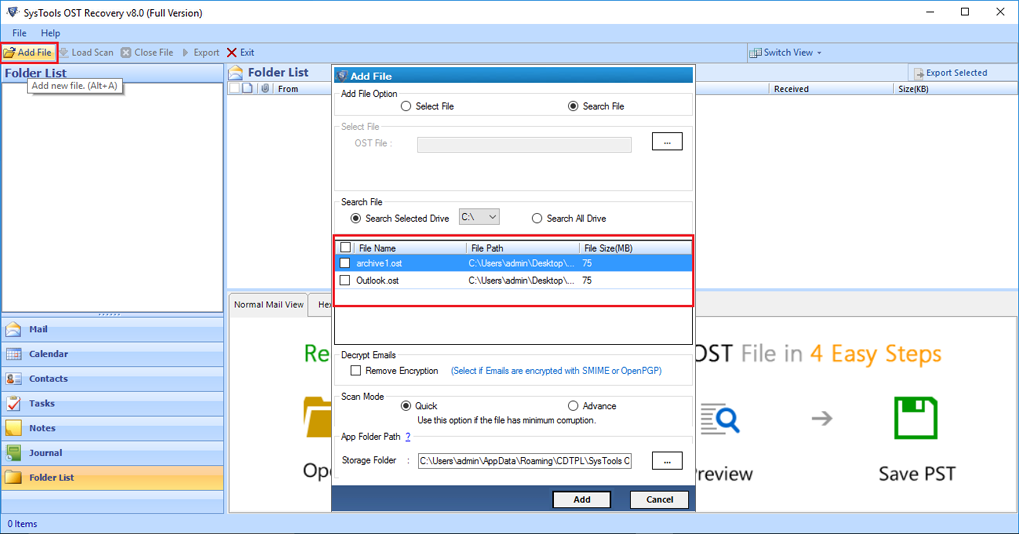
Choose the "Search File" Option - If You Want to Convert Multiple File
Remove SMIME and OpenPGP Encryption
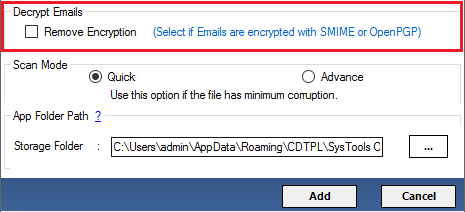
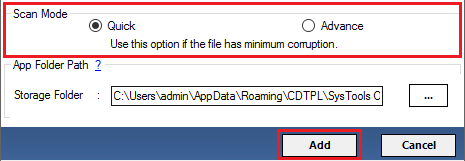
Select Scan Mode - Quick and Advance
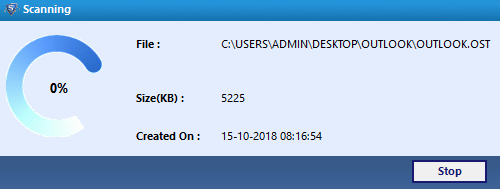
Start the Scanning Process of OST File
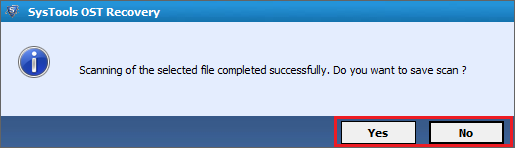
Scanning Process - Completed Successfully - Save Scaned OST Files
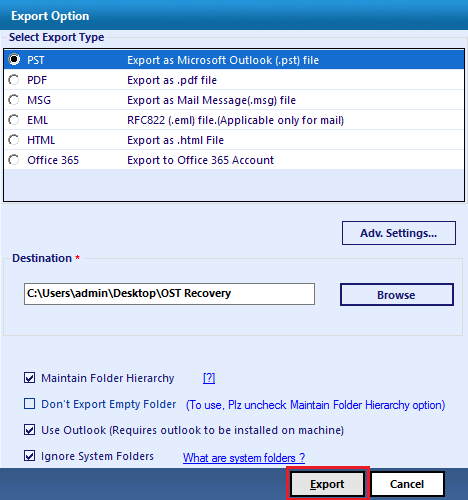
Click on "Export" button of Menu bar to Migrate the All Items from the OST File
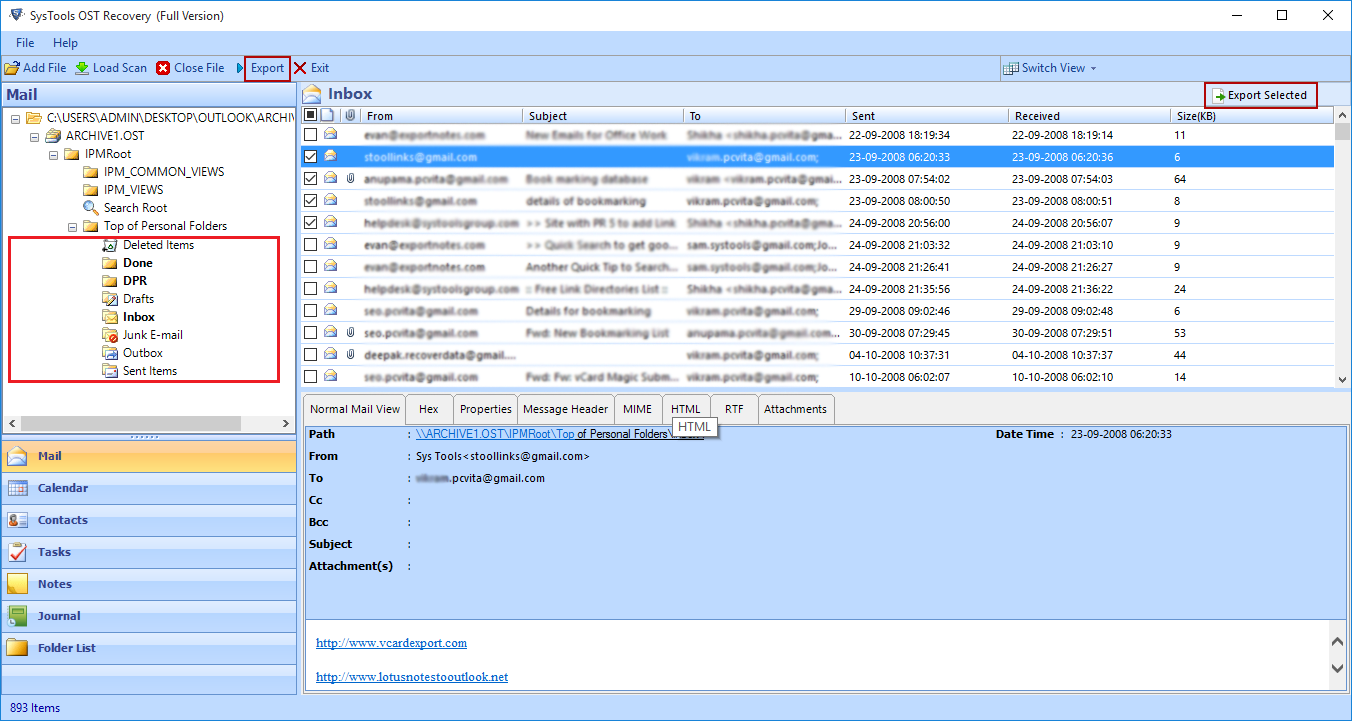
Export OST Data into PST, Office 365, HTML, PDF, EML and MSG Formats
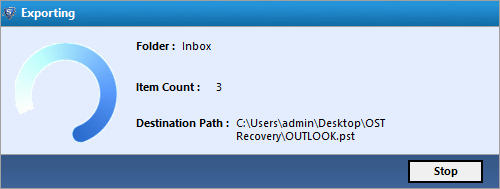
Showing the Export Process Now
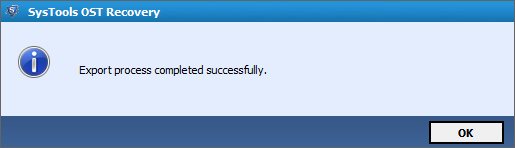
Export Process - Completed Successfully